What to Put on a Fax Cover Sheet
Include the recipient, sender, contact details, date, subject, and an explicit page count. Keep private details off the cover unless required.
LowFax.com · What to Put on a Fax Cover Sheet
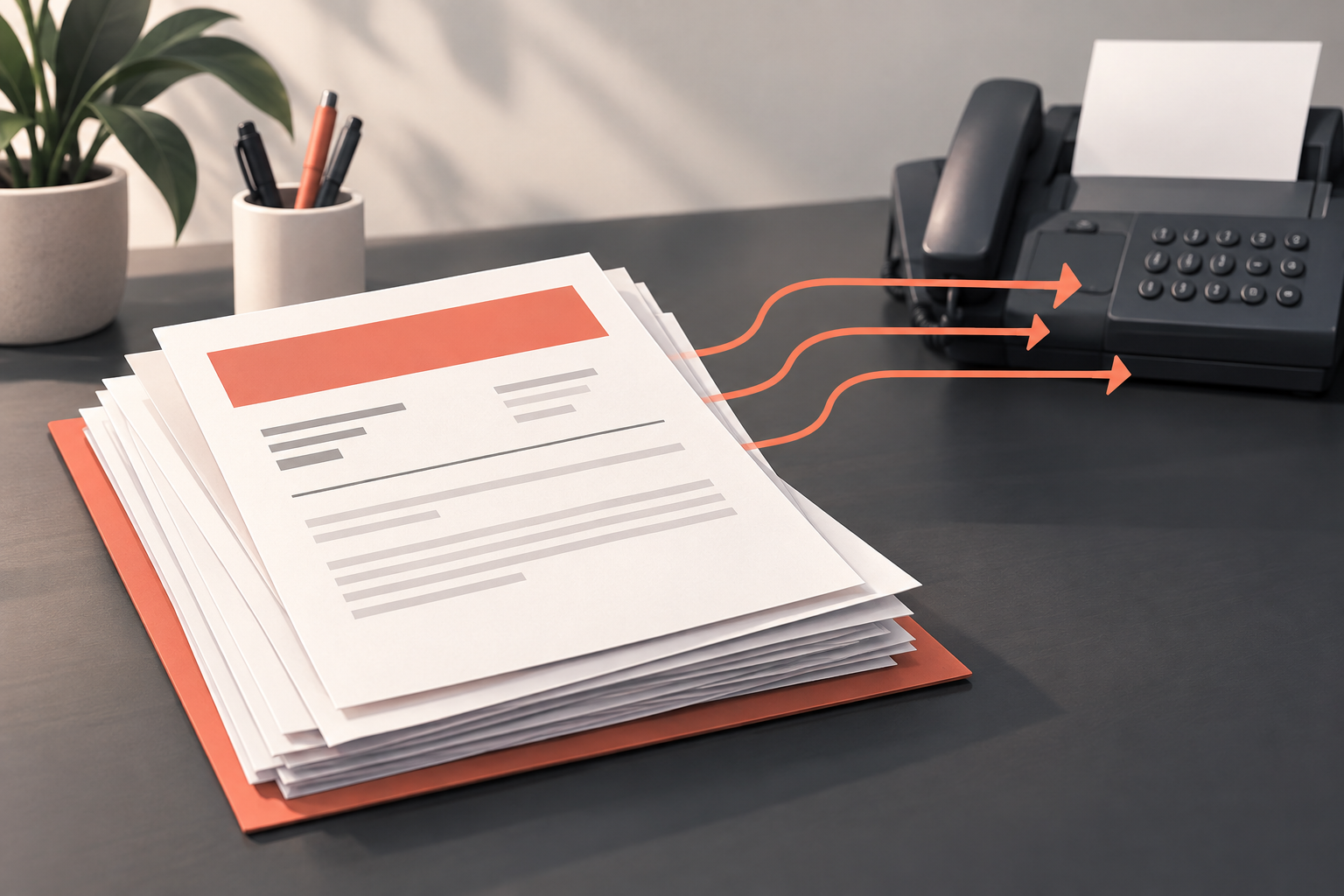
A fax cover sheet helps the receiving office identify who the documents are for and who sent them. It is especially useful when several employees or departments share the same fax number.
Keep it brief. The cover sheet should help someone route the packet without making them search through the attached pages.
What do official fax instructions emphasize?
The IRS’s mailing and faxing guidance describes a cover sheet:
“identifying the intended recipient and the number of pages” — Internal Revenue Service.
This requirement appears in the IRS’s internal procedures for handling tax or Privacy Act information. It is not a rule that every fax sender must follow. It is, however, a concrete example of why a cover sheet needs routing information and a clear page count. The same guidance restricts confidential information on covers addressed to authorized third parties. For your own submission, use the receiving office’s instructions and keep the cover focused on delivery rather than unnecessary personal details.
The details to include
Start with the recipient's name, organization or department, and fax number. Add your name and a phone number or email where you can be contacted.
Include the date, a short subject, and the page count. Include the cover page in that count. LowFax.com always includes a cover page, and it adds one page to the total. If the office gave you a reference number, include it when appropriate, following its instructions.
Provide your name and a working phone number or email so the recipient can contact you about the documents.
A simple example you can copy
| Field | Example |
|---|---|
| To | Jordan Smith, Accounts Department |
| Fax | [Recipient's confirmed fax number] |
| From | [Your name] |
| Contact | [Your phone number or email] |
| Date | [Date sent] |
| Subject | Requested signed document |
| Pages | 5 total, including this cover sheet |
| Message | Please route the attached documents to Jordan Smith. Contact me if any pages are missing or unreadable. |
Replace every bracketed item before sending. Adjust the subject and message to describe your actual document.
Keep private details out of the subject
Shared fax equipment can make the first page visible to people who are not the intended recipient. Use a clear but restrained subject. Include personal identifiers only when the recipient specifically requires them and when appropriate for the submission.
A confidentiality statement can explain how you want an unintended recipient to handle the packet. It does not prevent a wrong-number transmission or establish a service's compliance with a particular rule.
Do you always need a cover sheet?
LowFax.com always includes a cover page. Use it to identify the intended recipient and the packet’s purpose, while following the recipient’s instructions for the attached documents.
LowFax.com always includes a cover page, and it counts toward the total used for pricing. Count the actual document pages plus the cover page before sending. A four-page document with the included cover is a five-page fax.
How a cover sheet helps a shared office
A document arriving at a shared number may first be handled by someone who has no knowledge of your request. A useful cover gives that person enough information to route it correctly.
For example, a company may use one fax number for several departments. Writing only the company name gives little direction. Adding the department and a named contact makes the packet easier to pass along.
A cover can also explain why the documents are arriving. A short message such as “Requested supporting documents for your review” provides context without attempting to summarize every attached page. Keep the detailed information in the documents themselves.
The cover sheet does not replace required fields on a form. If the recipient needs a reference number on every page, follow that instruction even when you also include it on the cover.
Write a subject that identifies the task
A useful subject answers “What is this packet for?” Use a short phrase that the recipient will recognize: Signed agreement, Requested account documents, or Completed application.
If you are replying to a specific request, use the reference supplied by the recipient when appropriate. Avoid subjects such as Important papers or Please read that provide no practical context.
Do not put an entire account history or sensitive narrative into the subject. A shared office may see the cover before the designated employee receives it. Use the minimum detail that helps route the submission, following the recipient's instructions for required identifiers.
If the packet is a corrected version, make that clear. A subject such as Corrected application, requested revision helps distinguish it from an earlier send. State what the correction relates to in a short message rather than leaving the office to compare two unexplained packets.
Provide a contact method that works
Your cover should give the recipient a way to ask about missing pages or unclear information. Check the phone number or email carefully; a single typo can make follow-up difficult.
Use a contact method you can monitor. If you list a work number that will be unavailable during the relevant period, consider whether an appropriate alternative is better.
Count the pages clearly
A recipient can use the cover's page count to check whether the packet appears complete. For LowFax.com, state the total actual pages, including the cover page.
For a four-page document and one cover, write “5 pages total, including cover.” If you write “4 attached pages, plus this cover,” that is also understandable. Avoid a bare number that leaves the reader guessing.
Update the count after the packet is finalized. Adding an attachment at the last minute can make a previously correct cover wrong. Count the finished document pages and review the cover one more time before sending.
At LowFax.com, the total includes the actual document pages and the included cover page. Use that complete count on the cover so the receiving office can check the packet. Pricing depends on this actual page total and the destination country, not the file size.
Three useful message examples
Sending requested paperwork: “Attached are the completed documents you requested. Please route them to [name or department]. Contact me if any page is missing or difficult to read.”
This message works when you want to identify the request and provide a practical next step. Replace the bracketed text with real routing information before transmitting it.
Sending a requested correction: “This transmission contains the revised [document name] requested on [date]. Please use this version for your review.”
Use that wording only when it accurately describes the situation. If the recipient asked you to resend only a particular page, follow that request rather than adding unnecessary documents.
Sending several attachments: “The packet includes [primary document] followed by [supporting document]. The total is [number] pages, including this cover.”
This gives the receiving office a simple inventory. It is especially useful when several pieces belong to the same task but have different document names.
What a confidentiality note can and cannot do
A short confidentiality note can ask an unintended recipient to notify you and handle the pages appropriately. It is an instruction to the reader, not a technical protection against incorrect delivery.
Do not treat a cover-sheet statement as evidence that the sending method meets a particular legal or organizational requirement. If an organization requires an approved process for certain information, follow that process.
The more effective everyday precautions are confirming the destination, including only the intended documents, and using sensible routing details. A carefully worded note cannot compensate for uploading the wrong file.
If you discover that you sent a packet to the wrong destination, contact LowFax.com support and follow the applicable organizational procedure. Do not assume the fax can be recalled after transmission.
Format the cover for easy reading
Use a simple layout with recognizable field labels. Leave enough space between the recipient, sender, subject, and message so the person receiving the fax can find them quickly.
Choose clear dark text on a plain light background. Decorative artwork and pale lettering can make a cover harder to read after transmission. A small amount of branding may be appropriate, but the routing information should remain the priority.
Keep the cover to one page when practical. A long cover can separate the essential instructions from the actual documents and add to the packet. If you need a detailed explanation, make it a separate supporting letter and identify it on the cover.
Review the final layout if you export it from a document editor. Tables can shift, long email addresses can wrap awkwardly, and an extra paragraph can push the bottom line onto another page.
Using online cover fields or uploading your own
LowFax.com includes a cover page generated from the cover fields you complete. Use a clear recipient name, subject, and short message. The cover adds to the actual page count used to calculate the fax price.
If you use generated fields, review the entered recipient, subject, and message. A polished template cannot fix a misspelled name or inaccurate page count.
LowFax.com always adds its cover page. If your PDF already begins with a cover, both cover pages count toward the total. Two covers can create confusion and add to the total page count. Follow the form's options instead of assuming it detects the existing cover.
For an organization with a prescribed template, use that template. A standard business-style cover is useful only when it fits the actual submission requirements.
People Also Asked
Does LowFax.com include a cover for every fax? Yes. LowFax.com always includes a cover page, and that page adds to the actual total. Complete its routing fields clearly and follow the recipient’s instructions for the attached documents.
What if I do not know a person's name? Use the department or function the organization identifies for your submission. Confirm it with the recipient if the routing is unclear.
Can the cover just say “See attached”? It can, but that phrase provides little help. Add a short subject, routing information, and a valid contact so the packet is easier to identify.
Should I include sensitive identifiers? Include only what the recipient requires and what is appropriate for the submission. Do not add private details merely to fill an empty field.
How LowFax.com counts and prices your fax
LowFax.com is a browser-based sending service. Your price is based on the actual number of pages in the fax, including the cover page that LowFax.com always includes. File size in bytes or megabytes does not determine the page count or price. A five-page document plus the cover page is a six-page fax, even if the PDF file is unusually small or large.
Each destination country has its own pricing. Any US dollar examples in this article apply only to US destinations; they should not be used to estimate the cost of sending to another country. Select the correct destination country in LowFax.com and check the price shown for your complete fax before paying.
Add routing details when you send
LowFax.com’s send form includes recipient and cover-page fields. Use those fields to provide a useful subject and short message, then review your details before submitting.
Send your document with LowFax.com, or read How to Fax a Document Online for the full process.